

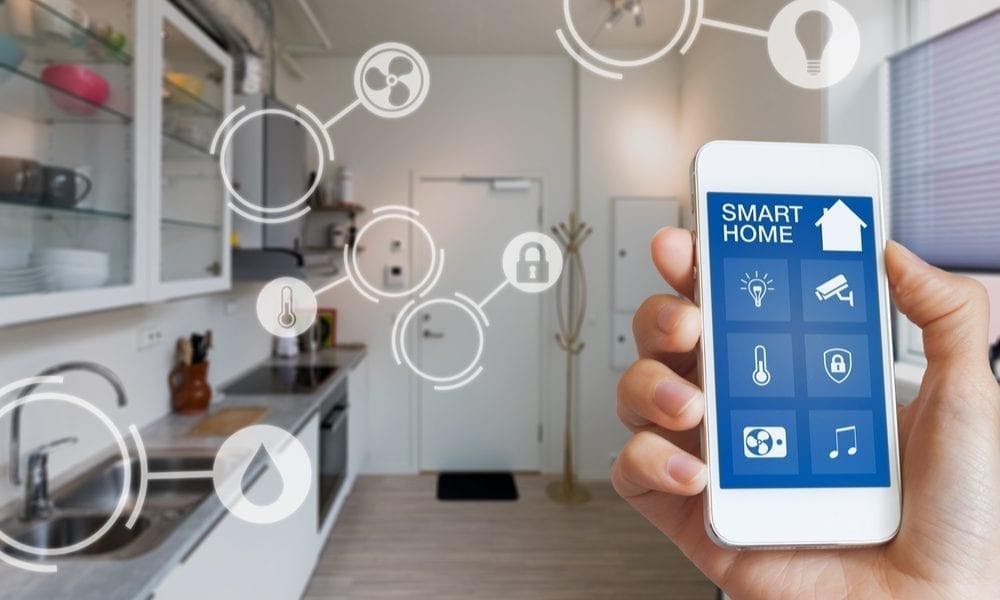
In today’s digital age, smart home devices are becoming increasingly popular. From smart thermostats and security cameras to voice-controlled assistants, these devices offer convenience and automation to homeowners. However, with the rise of interconnected devices, the need for cybersecurity has become more critical than ever.
The Importance of Securing Smart Home Devices
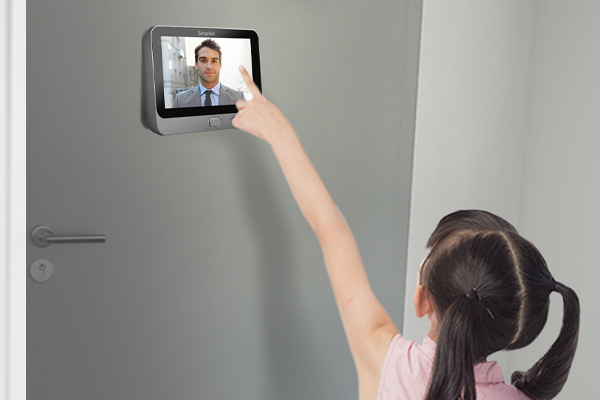
Smart home devices are vulnerable to cyberattacks due to their connectivity to the internet. Hackers can exploit security loopholes in these devices to gain unauthorized access to personal information, disrupt device functionality, or even gain control over the entire smart home system.
Here are some reasons why securing smart home devices is crucial:
- Protection of Personal Data: Smart home devices collect and store personal data, such as passwords, financial information, and daily routines. If these devices are not properly secured, hackers can easily access this sensitive information, leading to identity theft or financial loss.
- Prevention of Unauthorized Access: Unsecured smart home devices can be an entry point for hackers to gain unauthorized access to the entire home network. Once inside, they can manipulate other connected devices, compromise personal privacy, or even launch larger-scale cyber attacks.
- Preservation of Physical Safety: Some smart home devices, such as security cameras and door locks, are directly linked to the physical security of a home. A compromised device can grant intruders access to the property or allow them to disable security systems, putting residents at risk.
Best Practices for Smart Home Cybersecurity
Implementing strong cybersecurity measures can significantly reduce the risk of cyberattacks on smart home devices. Here are some best practices to follow:
- Change Default Passwords: Always change the default login credentials of smart home devices. Choose unique and complex passwords that are different for each device.
- Update Firmware Regularly: Keep the device’s firmware up to date. Manufacturers often release firmware updates to address security vulnerabilities and improve device performance.
- Secure Wi-Fi Networks: Set up a secure and encrypted Wi-Fi network for your smart home devices. Use strong passwords for your network and enable network encryption protocols like WPA2.
- Enable Two-Factor Authentication: Whenever possible, enable two-factor authentication for your smart home devices. This adds an extra layer of security by requiring a second form of verification, such as a unique code sent to your mobile device.
- Disable Unnecessary Features: Disable any unnecessary features or services that your smart home devices offer. The fewer exposed services, the fewer vulnerabilities for hackers to exploit.
- Regularly Monitor Device Activity: Keep an eye on the activity logs of your smart home devices. If you notice any suspicious activity or unauthorized access attempts, take immediate action to investigate and rectify the issue.
Cybersecurity for smart home devices is of utmost importance to protect personal data, prevent unauthorized access, and ensure physical safety. By following best practices such as changing default passwords, updating firmware, and enabling two-factor authentication, homeowners can significantly reduce the risk of cyberattacks on their smart home systems. Remember, a secure smart home is a safe home.
